
How to Get the Best Results out of an AI Website Builder
When launching a project, you often need a website, but there isn't always a budget to hire a web designer—or time to learn the tools yourself. But now anyone can create a nice, user-friendly website: all you need is an AI website builder and about an hour of free time.
You don't need to understand programming or web design. A short description of your idea is enough for AI to work with.
This guide teaches you how to effectively communicate with AI and how to make edits to the site both manually and through a chatbot. We'll also explain how to understand when the website is ready for publication. If you haven't set up your hosting yet, check out our guide on how to create a new website on Free2Host before getting started.
How to Work With AI
Website builders use the same AI models as chatbots like ChatGPT and DeepSeek. If you've used these tools, you know that the quality of the AI's response depends directly on how the question is phrased. Let's look at some common mistakes when working with AI.
Vague Requests
Abstract questions lead to equally abstract answers. For example, if you ask AI, "Tell me about marketing," it won't know what information you actually need. The same applies to content generation. If your prompt is simply "Create a landing page," the AI will have to guess the page's purpose and content.
In this case, you shouldn't expect creative results. AI will produce an average, template-based site with minimal edits. To get a unique site (and a good answer in general), it's important to provide context — something like:
"Create a landing page for an IT exhibition in London."
Now the AI has something concrete to work with.
Too Many Commands in One Prompt
The opposite problem occurs when there's too much context and you try to pack as much as possible into one prompt. If you write something like:
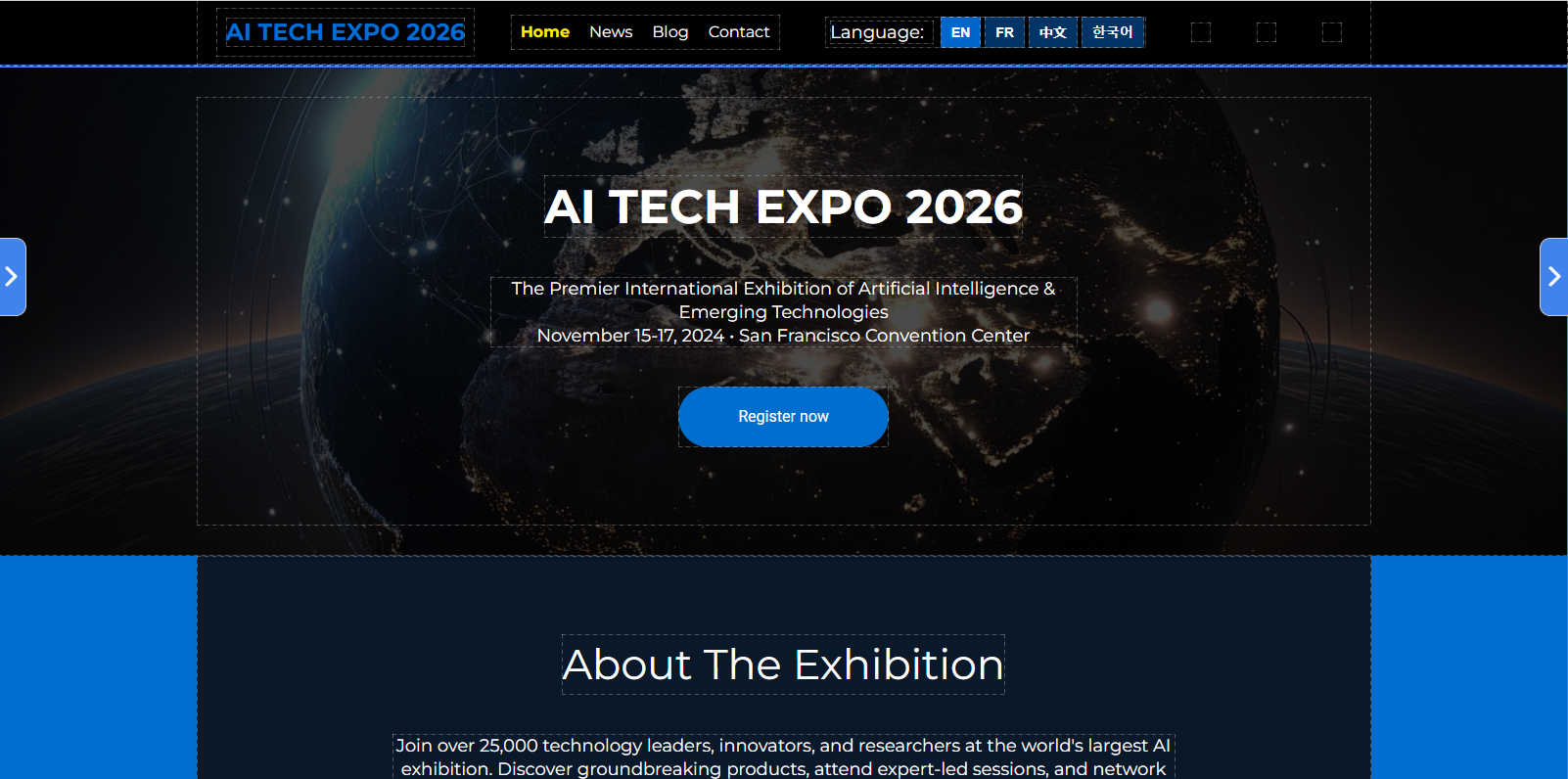
"Create a landing page for an IT exhibition, add translations into English, French, Chinese, and Korean, import all information about the newest AI products to the news section, create a blog page with articles, make it serious, but friendly, use black and blue colors"
…the AI will get confused. It's better to break a large prompt into several smaller ones:
- "Create a modern-looking landing page for an IT exhibition 'FUTURAI' which will take place in London. Use metallic and blue colors. It should have an event schedule and an 'About FUTURAI' section."
- "Add a section with portraits of our speakers — Spock, Doctor Who, Tony Stark."
- "Add a registration form with name, phone number and email address."
- "Attach a map at the bottom of the page."
Illogical Requests
Before sending your prompt, reread it and make sure you're not contradicting yourself. For example, a landing page is typically a simple one-page site with a single specific goal. In our case, adding a blog wouldn't be appropriate.
Avoid phrasing like "bright but calm," or "use red, blue, and yellow colors" — there's no guarantee the AI will interpret this correctly and produce a good design. Set your priorities clearly so the most important aspects of your request are understood.
Fully Delegating Everything to AI
It's important to remember: AI can still make mistakes or hallucinate information. If you generate website text using AI, read it carefully. The same applies to site structure. Any AI can sometimes ignore instructions or execute them incorrectly.
Review every page before publishing.
Case Study: Creating a Landing Page with AI
So, let's put the knowledge into practice and try to create a website with Site.pro AI website builder. This platform is one of the first to introduce full-scale AI assistance in website building. With its chatbot, you can change any block on your website, create and find images, improve copy, add translations, contact forms, maps, and more.
You can formulate your own prompt, while we will walk you through with our example.
First, let's see how AI will generate a website based on an unstructured prompt.
The result isn't actually that bad, but it will need a lot of manual and AI editing. You'll spend less time if you approach website creation with a plan, step by step. Start with the first draft:
"Create a modern-looking landing page for an IT exhibition 'FUTURAI' which will take place in London. Use metallic and blue colors. It should have an event schedule and an 'About FUTURAI' section."
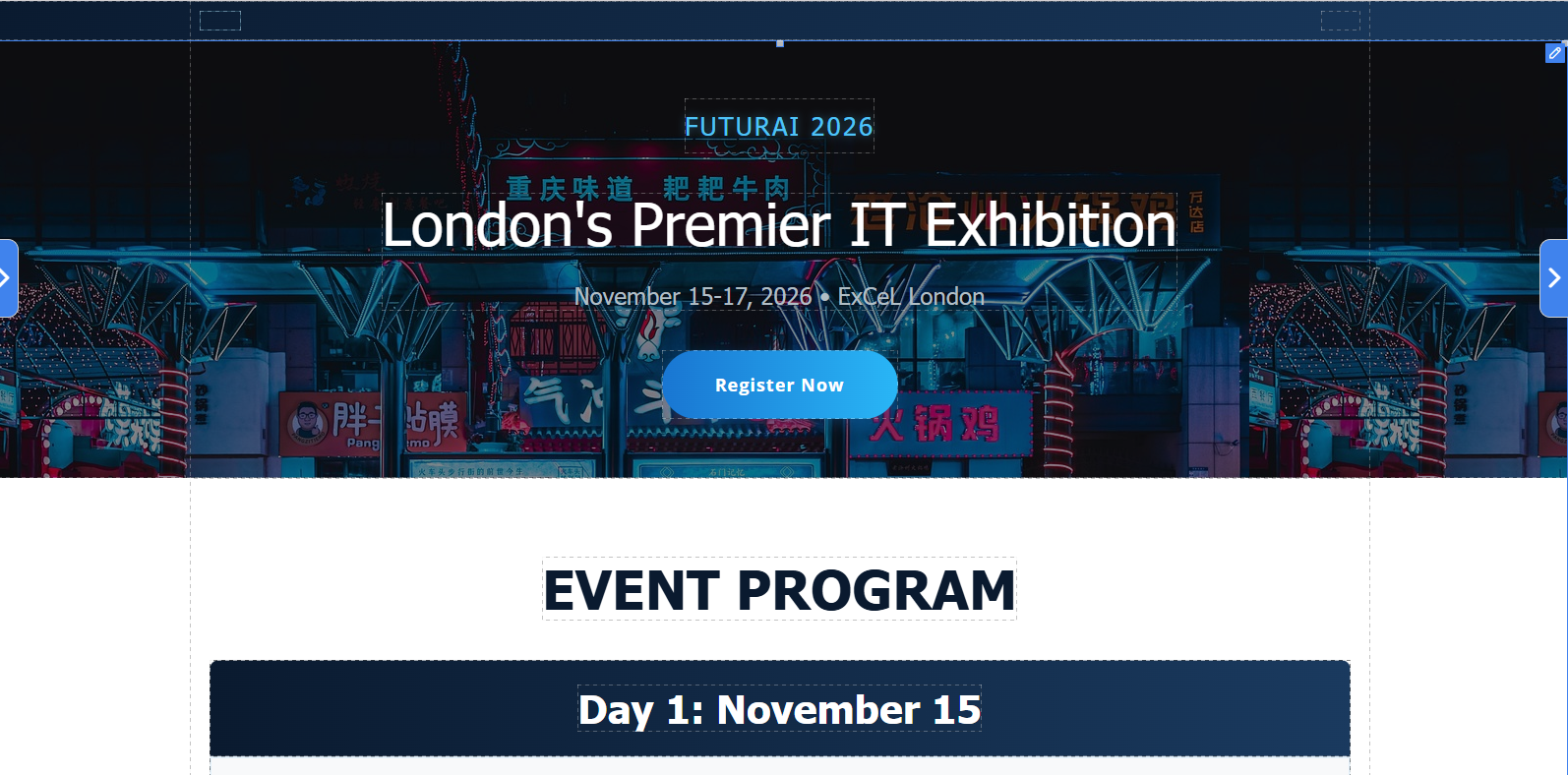
Now, we'll ask AI to add our speakers.

Then, we'll proceed with the registration form.
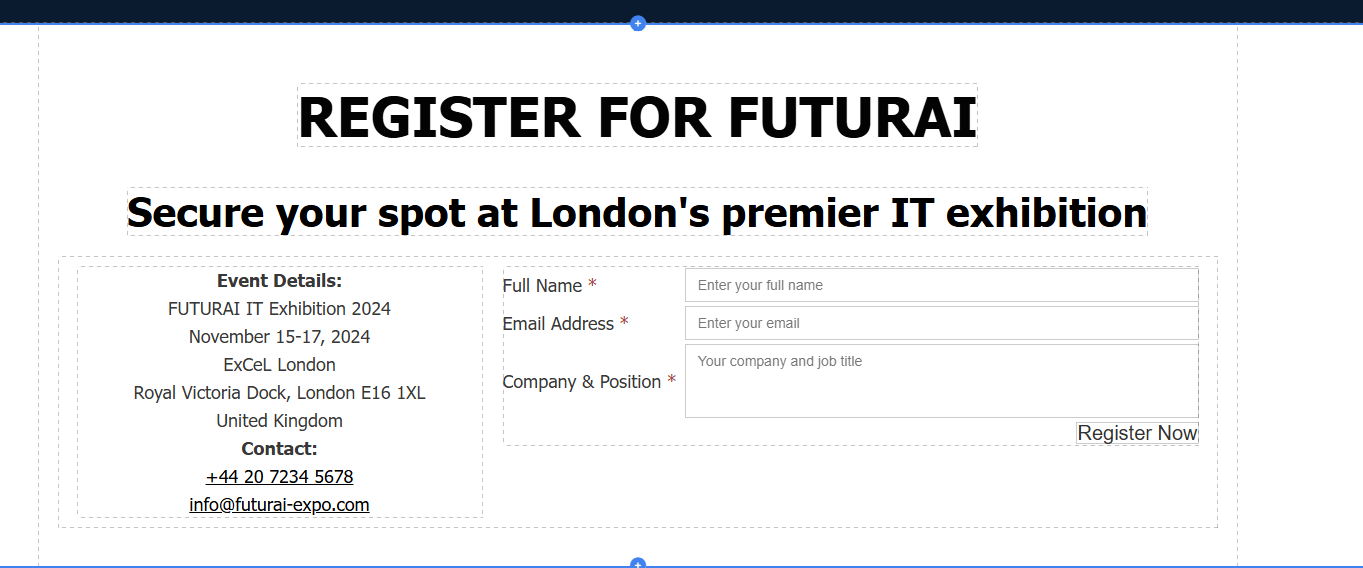
And the cherry on top — a map that will help visitors find the exhibition.
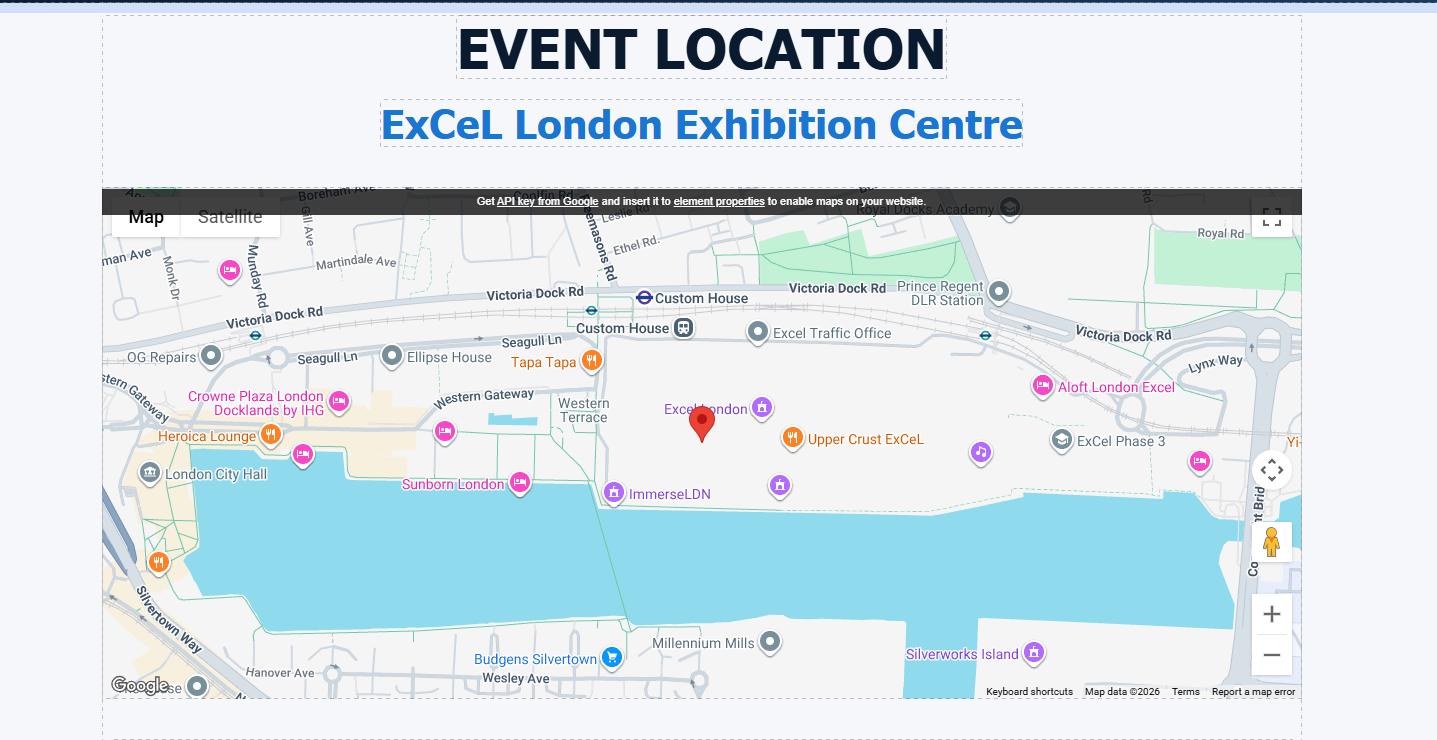
After that, upload the real information about your project and carefully look through every section. It is recommended to preview your website on different screens. The AI automatically creates mobile-responsive designs, but you should always check rather than trust blindly.
How to Make Your Page Engaging
When all the preliminary steps are done, it's time to talk about content, CTA (call-to-action) and SEO optimization.
AI vs Stock vs Real Images
When choosing between AI-generated images, stock photos, and real images for a website, the best option depends on what you want to achieve SEO, engagement, or trust.
Real Images
Your own real content is the best option. Google treats them as original content, which leads to higher ranking in search. They also build the highest level of user trust and typically outperform generic visuals in conversion tests, especially for product pages, service pages, and "About" sections.
AI Images
AI-generated images can also support SEO, but only when used correctly. They are unique and relatively easy to produce. If they are relevant to your page, AI images are fine for search engines. But they aren't ideal for real products or real people. AI overuse can hurt trust from real users and make them leave your website.
Stock Images
Stock images are the most convenient but the least beneficial for SEO. These images appear across thousands of websites and provide no originality or search advantage. They can also feel generic or "staged," which reduces trust and lowers user engagement on key pages.
The strongest strategy is a blended one:
- Use real images in the most important sections — like pictures of your team, products for online stores, or galleries with photos from past events.
- Use AI images to make the design more unique and vibrant — for banners and backgrounds.
- Avoid stock images when possible.
The Site.pro AI Assistant can help you generate new images, download real images from your social media, or find relevant filler photos in search engines.
AI Text — Is It Worth It?
AI can write fast, but the result — let's say — it doesn't always deliver. It is kind of a double-edged sword. AI-generated text can positively or negatively influence SEO depending on how it's created and used.
Pros
AI can produce a lot of content. It can also help with keyword alignment, structure, and readability. In the AI website builder, you can create meta information for search engines with AI, and it will be perfectly fine.
Cons
Still, AI content can be generic and factually inaccurate. Users are getting more savvy when it comes to "AI-speak," and ChatGPT's manner of speech can rub people the wrong way. Moreover, search engines and crawlers are getting better at detecting AI text. Google expects depth, accuracy, and experience — things AI cannot provide on its own.
Tips on AI Use in Text
- Always review the text, especially for factual accuracy and brand voice. Reviewing can also be done with AI, but you need to actually read it.
- If AI states something as a fact — ask for a source link, and check it.
- AI tends to write overcomplicated sentences with repetitive syntax. Rewrite AI-generated posts at least a little, even if it makes them slightly rougher. Don't be afraid to make sentences shorter.